
Reverse Mortgage for Aging Parent's Online Learning: Setting Up Accessible Study Space in Retirement
Fund technology and workspace upgrades for aging parents pursuing education or teaching online. Learn how a reverse mortgage enables accessible learning spaces for seniors.
Your aging parent isn't ready to fully retire—they want to teach online, learn new subjects, study a language they always meant to master, or pursue credentials they never had time for during their working years. Online learning offers perfect flexibility for aging adults, but success requires proper infrastructure: accessible workspace, reliable technology, ergonomic setup, and high-speed internet. Many aging adults have never set up proper home offices for extended online learning. A reverse mortgage can fund the technology and workspace upgrades that transform your parent's home into a functional, comfortable learning and teaching space.
Why Aging Adults Pursue Online Learning
Online learning and teaching are powerful in retirement:
Reasons Aging Adults Pursue Learning
- Unfinished education: Never completed degree; now time to finish
- Career transition: Teaching online; consulting; sharing expertise
- Passion projects: Learning that was always deferred (languages, history, art)
- Mental health: Learning maintains cognitive function; prevents dementia risk
- Social connection: Online courses provide peer community
- Purpose and meaning: Intellectual engagement provides sense of purpose
- Financial: Some online teaching generates income supplementing retirement
Benefits of Online Learning for Aging
- Flexibility: Study when alert; take breaks when needed
- Pacing: Can go slower; don't need to keep up with younger students
- Accessibility: Home-based learning easier for those with mobility limitations
- Community: Online groups connect with peers worldwide
- Cost: Often more affordable than in-person learning
- Convenience: No commute; accessible from home
Technology and Workspace Requirements for Online Learning
Essential Computer and Internet
Computer Setup
- Laptop or desktop: Depends on learning type and mobility
- Laptop: Portable; can move around home; easier for those with mobility issues ($800–$1,500)
- Desktop: Better for extended typing and screen work; larger screen helpful for vision ($1,000–$2,000)
- Monitor: Large monitor reduces eye strain; 27"–32" ideal ($300–$600 if additional)
- Keyboard and mouse: Ergonomic for arthritic hands ($150–$400)
- Webcam: If teaching or video calls required; built-in okay but external better ($100–$300)
- Microphone and headphones: Quality audio crucial; reduces feedback ($150–$400)
- Cost: Basic computer setup $1,000–$2,500 depending on components
Internet and Connectivity
- High-speed internet: Essential for video calls, large file downloads; minimum 25 Mbps ($50–$100/month)
- WiFi extender: Strengthen signal if home office distant from router ($50–$150)
- Backup internet: Mobile hotspot as backup if primary fails ($20–$50/month)
- UPS backup power: Protects from sudden power loss ($100–$300)
- Cost: Internet upgrades and backup $100–$200 monthly
Ergonomic Workspace
Desk and Seating
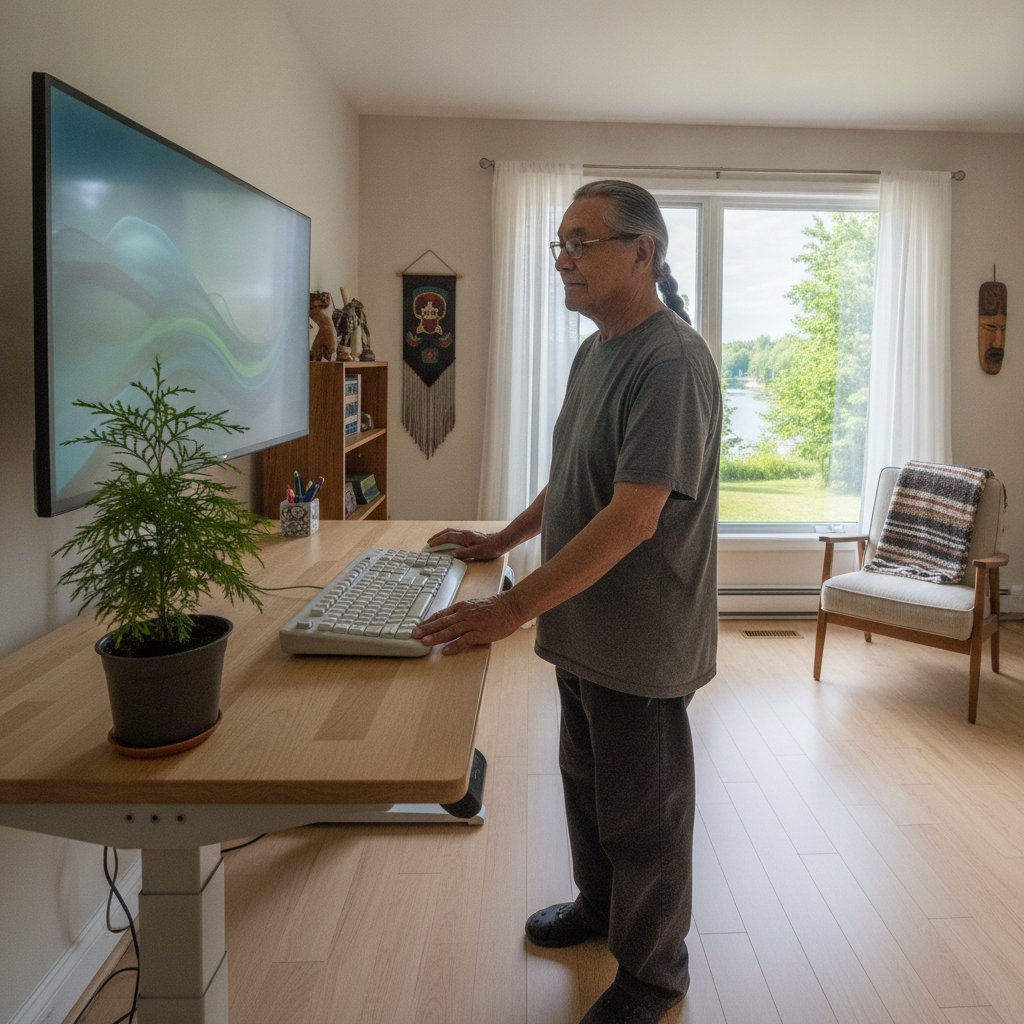
- Adjustable desk: Sit-stand desk reduces long-sitting health risks ($400–$1,500)
- Ergonomic chair: Lumbar support crucial for extended sitting ($400–$1,000)
- Desk height: Elbows at 90° when typing; screen at eye level
- Monitor stand: Raises screen to proper height; reduces neck strain ($50–$200)
- Footrest: Supports feet if chair doesn't touch floor ($50–$150)
- Cost: Ergonomic workspace $900–$3,000
Lighting and Visibility
- Task lighting: Reduces eye strain; prevents glare on screen ($100–$300)
- Ambient lighting: Prevents eye fatigue from bright screen in dark room ($200–$500)
- Blue light filter: Reduces eye strain from extended screen time ($50–$150 or software)
- Anti-glare screen: Reduces reflections on monitor ($50–$150)
- Cost: Lighting upgrades $300–$800
Accessibility Features for Aging
Vision Support
- Larger monitors: 27"–32" screen easier on aging eyes ($300–$600)
- Adjustable text: Operating system and browser font size for readability
- High-contrast settings: Reduces eye strain; easier reading
- Font magnification software: Magnifies text if needed ($50–$200)
- Cost: $300–$600
Hearing Support
- Quality speakers: Clear audio for video lectures and calls ($200–$500)
- Headphones with adjustable volume: Prevent accidental loud audio ($150–$400)
- Captions: Videos with captions aid hard-of-hearing learners (increasingly standard)
- Sound amplification: If significant hearing loss ($300–$800)
- Cost: $200–$1,000
Mobility Support
- Stable chair: Easy transitions to standing; good armrests for support
- Desk at accessible height: Allows comfortable sitting and movement
- Adequate space: Room to move around; not cramped
- Reaching all items: Keep supplies and materials within easy reach
- Cost: Included in desk/chair setup above
Cognitive Support
- Minimal distractions: Quiet, organized space reduces cognitive load
- Visual organization: Clear labeling; organized file systems
- Time management tools: Calendar, task list, reminders
- Note-taking tools: Digital or paper; support comprehension
- Cost: $200–$500 for software and supplies
Building an Accessible Online Learning Workspace
Phase 1: Assessment (Week 1–2)
Before investing, understand your parent's needs:
- What's the learning goal? (Teaching? Studying? Credentials?)
- Time commitment? (Full-time teaching? Part-time hobby learning?)
- Current technology? (Old computer? No internet? Outdated setup?)
- Physical considerations? (Vision? Hearing? Mobility? Pain?)
- Internet quality? (Current speed sufficient? Need upgrade?)
- Space available? (Dedicated office? Shared space? Corner of bedroom?)
Cost: Assessment consultation $200–$500 (occupational therapist or IT consultant)
Phase 2: Basic Technology (Month 1)
Minimum viable setup:
- Laptop or desktop: $1,000–$1,500
- Internet upgrade (if needed): $50–$100/month
- Webcam, headphones, microphone: $300–$500
- Basic desk and chair: $600–$1,000
- Monitor if desktop: $300–$500
- Cost: $2,250–$3,600
Phase 3: Ergonomic Optimization (Month 2)
Comfort and health additions:
- Ergonomic chair upgrade: $400–$800
- Adjustable desk (if not in Phase 2): $400–$1,000
- Lighting: $300–$600
- Desk accessories: Monitor stand, keyboard, mouse ($200–$400)
- Cost: $1,300–$2,800
Phase 4: Accessibility Features (Month 3)
Specialized for aging:
- Large monitor (27"–32" if needed): $300–$600
- Vision support software: $100–$300
- Hearing support (if needed): $300–$800
- Mobility support: Already included above
- Backup internet or UPS: $100–$300
- Cost: $800–$2,000
Total Reverse Mortgage Allocation
| Component | Cost | Timeline |
|---|---|---|
| Assessment | $300 | Week 1 |
| Computer and basic tech | $2,500 | Month 1 |
| Internet upgrade (annual) | $1,200 | Ongoing |
| Ergonomic furniture | $1,500 | Months 1–2 |
| Lighting and accessories | $600 | Month 2 |
| Vision/hearing support | $500 | Month 3 |
| Software and subscriptions | $300 | Ongoing |
| Total Year 1 | $7,300 | — |
| Annual ongoing | $1,500–$2,000 | — |
Reverse mortgage allocation: $8,000–$10,000 initial + $1,500–$2,000/year
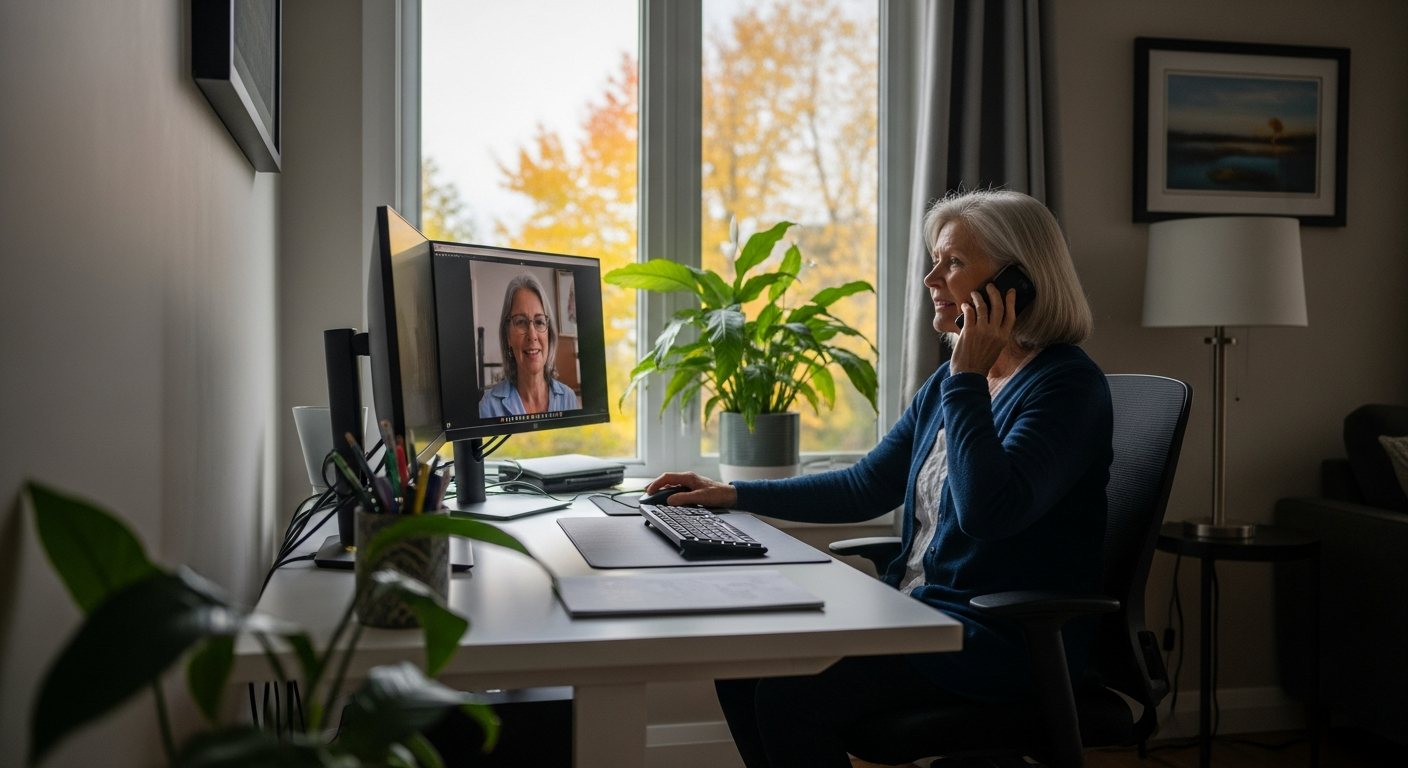
Real-World Example: Margaret's Online Teaching Setup
Margaret's Situation
- Age: 68, retired high school history teacher
- Goal: Teach online history courses to adult learners; generate some retirement income
- Current situation: Very basic computer; no proper office space
- Physical considerations: Presbyopia (age-related vision changes); some arthritis in hands
Initial Challenges
- Ancient laptop; unreliable internet connection
- No dedicated workspace; tried using kitchen table
- Monitor too small; made eye strain worse
- Microphone and audio poor quality; students complained
- Didn't know how to set up proper online teaching environment
Reverse Mortgage Investment
-
Accessed $9,000 reverse mortgage for online teaching setup
-
Phase 1 (Month 1):
- New desktop computer: $1,500
- Large 32" monitor: $500
- High-speed internet upgrade: $1,200/year
- Webcam, headphones, microphone setup: $400
- Basic desk and chair: $800
-
Phase 2 (Month 2):
- Ergonomic chair upgrade: $600
- Adjustable desk: $1,000
- Desk lamp and overhead lighting: $400
- Anti-glare monitor filter: $100
-
Phase 3 (Month 3):
- Font magnification software: $100
- Blue light filtering glasses: $150
- Backup internet hotspot: $300
- Contingency and software subscriptions: $350
Total investment: $8,800
Outcome
- Margaret successfully teaches 2–3 online courses per semester
- Income: $300–$500/month from teaching (not negligible)
- More importantly: Purpose restored; intellectual engagement high
- Students appreciate quality audio and video from professional setup
- Physical discomfort eliminated through ergonomic optimization
- Vision problems solved through proper lighting and monitor size
- Extended her career by 5+ years with meaningful part-time teaching
- Mentors next generation of learners; legacy work continuing
Margaret's reflection: "This setup gave me back my career. I thought I was done teaching, but online allowed me to continue in a way that works with my body and schedule. The reverse mortgage investment paid for itself in income, but more importantly, it gave me back my sense of purpose."
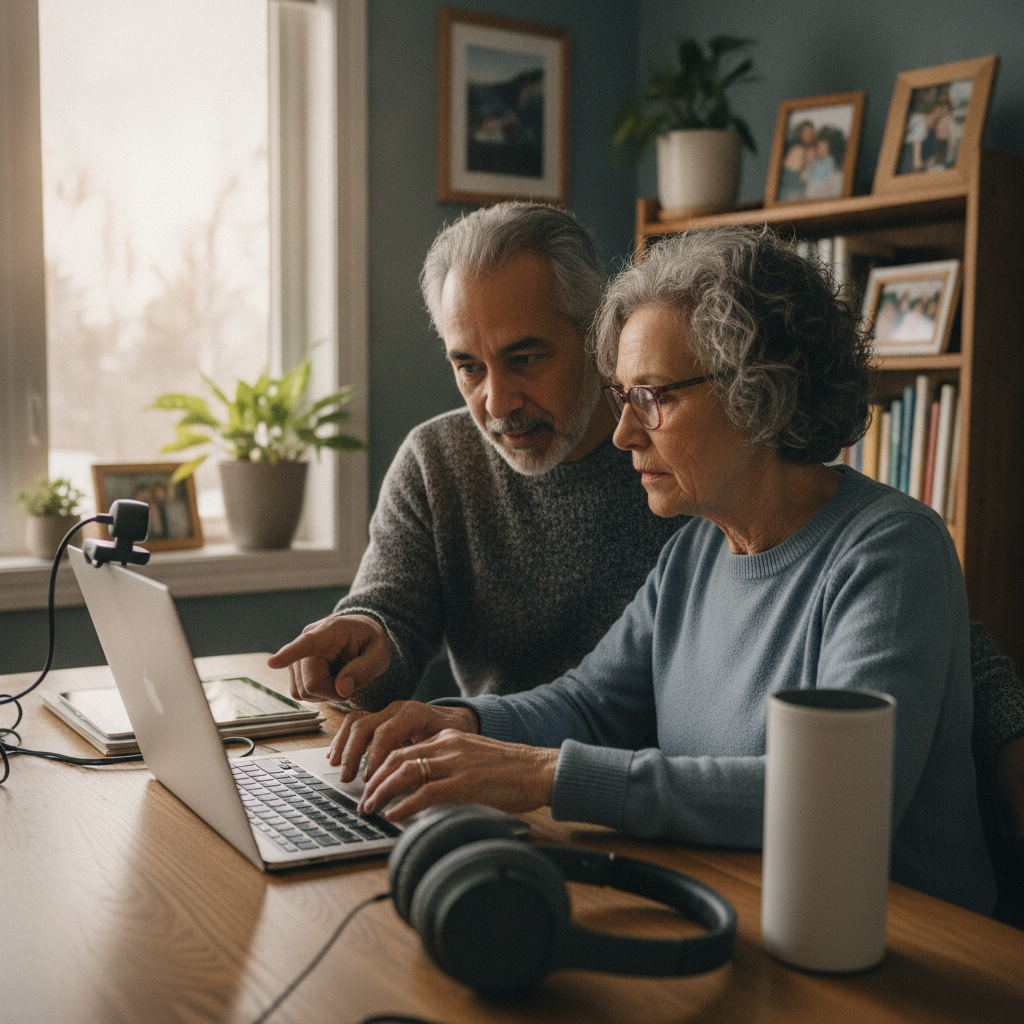
Key Success Factors for Margaret
- Large monitor: Solved vision problems; eye strain gone
- High-speed internet: Enabled smooth video and reliable teaching
- Ergonomic furniture: Eliminated back and neck pain
- Quality audio/video: Professional setup built credibility with students
- Proper lighting: Reduced eye fatigue
- Adequate space: Could organize materials and move comfortably
Online Learning Opportunities for Aging Adults
Teaching Opportunities
- Skillshare, Udemy, Coursera: Teach courses in areas of expertise
- AARP: Older adults teach other older adults
- University extension programs: Community college and university teaching options
- Language tutoring: Teach first language to international students
- Income potential: $300–$1,500+ per month depending on subject and platform
Learning Opportunities
- Coursera, edX, LinkedIn Learning: University-level courses, often free to audit
- Duolingo, Rosetta Stone: Language learning
- MasterClass: Top experts teaching subjects (subscriptions)
- YouTube: Free educational content on virtually any subject
- University of the Third Age: Specifically designed for older adults
Ontario Resources
- Ontario Adult Education Association: Programs and resources
- Lifelong Learning: Community college programs for older adults
- Public libraries: Often offer free technology training and computers
Important Considerations
Technical Support
Older adults learning online often need tech support:
- Family tech support: Adult children providing regular help
- Professional tech support: Hire IT person for setup and ongoing issues ($100–$150/hour)
- Tech training: Ensure your parent is trained on setup (not just installed)
- Plan for updates: Technology changes; plan annual upgrades/maintenance
Digital Literacy
Online learning assumes basic computer skills:
- Typing: Comfort with keyboard; typing speed not critical but helpful
- Mouse/trackpad: Ability to navigate interfaces
- File management: Understanding folders, saving files, organizing documents
- Browser skills: Navigation, searching, basic troubleshooting
- Training: May need support building these skills if computer-novice
Health Considerations
Extended screen time has health implications:
- Eye strain: Follow 20-20-20 rule (every 20 minutes, look 20 feet away for 20 seconds)
- Posture: Proper ergonomics critical; extended poor posture causes injury
- Breaks: Stand and stretch every hour; don't sit for extended periods
- Isolation: Online learning can reduce social contact; balance with in-person socializing
Ongoing Costs
Technology isn't one-time cost:
- Internet: $50–$100/month ongoing
- Software subscriptions: Learning platforms, productivity software
- Hardware maintenance: Repairs, upgrades
- Software updates: Operating systems, security patches
- Budget: $1,500–$2,000/year ongoing
Moving Forward
If your aging parent wants to pursue online learning or teaching:
- Assess the goal: What does your parent want to achieve?
- Evaluate current setup: What technology and space already available?
- Plan accessibility: Consider vision, hearing, mobility, physical comfort
- Invest properly: Don't skimp on monitor, keyboard, chair, lighting
- Ensure good internet: Minimum 25 Mbps; higher better for video calls
- Test thoroughly: Before commitment, ensure setup works for your parent
- Provide training: Ensure your parent can actually use the setup
- Plan support: Identify who provides ongoing tech support
- Budget ongoing costs: Technology isn't free after initial investment
Online learning and teaching can extend your parent's engagement, purpose, and productivity well into their later years. A reverse mortgage that funds proper technology infrastructure—large monitor, ergonomic furniture, reliable internet, quality audio/video—enables your parent to pursue learning and teaching comfortably and successfully.
With thoughtful technology choices, proper ergonomics, and adequate support, your parent can thrive in online learning and teaching. Your reverse mortgage makes that possible.
Key Takeaways
- A complete accessible online learning setup—computer, internet, ergonomic furniture, and accessibility features—typically costs $7,300 in year one, plus $1,500-$2,000 annually thereafter.
- A reverse mortgage lets homeowners 55+ fund this technology upfront from home equity, without monthly payments or income qualification.
- Ergonomic furniture (adjustable desk, supportive chair) runs $900-$3,000 and is often the highest-impact investment for comfort during extended screen time.
- In Margaret's case, an $8,800 reverse mortgage investment enabled $300-$500/month in online teaching income and extended her working career by 5+ years.
- Minimum recommended internet speed for reliable video-based learning or teaching is 25 Mbps.
- Ongoing annual costs (internet, software subscriptions, maintenance) should be budgeted separately from the initial setup cost.
Frequently Asked Questions
How much does it typically cost to set up an accessible online learning workspace?
A complete setup—including a computer, internet upgrade, ergonomic furniture, lighting, and accessibility features—typically totals $7,300 in the first year, with ongoing annual costs of $1,500-$2,000 for internet, software, and maintenance.
Can a reverse mortgage fund a home office setup without affecting my parent's retirement income?
Yes. A reverse mortgage provides funds as a tax-free loan advance rather than income, so it does not affect OAS, GIS, or CPP eligibility, and no monthly payments are required. This makes it a practical way for a parent on fixed income to fund a one-time technology and furniture investment.
What's the minimum internet speed needed for online teaching or learning?
Most video-based courses and teaching platforms require at least 25 Mbps for smooth, reliable video calls and file downloads. A backup option, such as a mobile hotspot, is recommended in case the primary connection fails during a class or lecture.
Is ergonomic furniture really necessary, or can my parent use their existing desk and chair?
Ergonomic furniture—an adjustable desk, a chair with lumbar support, and a properly positioned monitor—typically costs $900-$3,000 but significantly reduces the risk of back, neck, and eye strain from extended sitting and screen time, which matters more for older adults with existing mobility or vision considerations.
Can online teaching generate meaningful income for a retired parent?
It can, though results vary. In the example in this article, a retired teacher earned $300-$500 per month teaching online history courses after a $8,800 technology and workspace investment, which is a modest but real supplement to retirement income alongside the personal and cognitive benefits of continued engagement.
What ongoing support does an aging parent need after the initial setup?
Most aging parents benefit from a combination of family tech support and, if needed, professional IT help at $100-$150 per hour for setup and troubleshooting. Budgeting for annual software updates, internet costs, and occasional hardware repairs (roughly $1,500-$2,000 per year) ensures the workspace stays functional over time.
Ready to Learn More?
Find out exactly how much you could unlock from your home — free and no obligation.
Related Articles
Reverse Mortgage for Home Office Upgrade: Extend Your Working Years
Want to keep working longer from home? Use a reverse mortgage to upgrade your workspace for comfort, productivity, and health in retirement.
Read →Reverse Mortgage for Assistive Technology Setup and Senior Tech Training
Fund smart home accessibility tech and learning to use it. Ontario guide for seniors adopting assistive technology to age in place safely.
Read →Reverse Mortgage for Aging in Place With Fibromyalgia: Home Modifications for Invisible Illness
Fund home modifications for aging with fibromyalgia. Reverse mortgage enables accessible design for pain management, energy conservation, and quality of life.
Read →