
Reverse Mortgage for Creating Your Family Archive Center: Home Documentation
Fund a home-based family archive and legacy documentation center with a reverse mortgage. Preserve family history, documents, and stories in Ontario.
What if everything your family has built — stories, documents, photographs, values — disappeared after you're gone? Most families lose their history within one generation. A reverse mortgage funds a dedicated home archive center where family documents, memories, and legacy are preserved and organized.
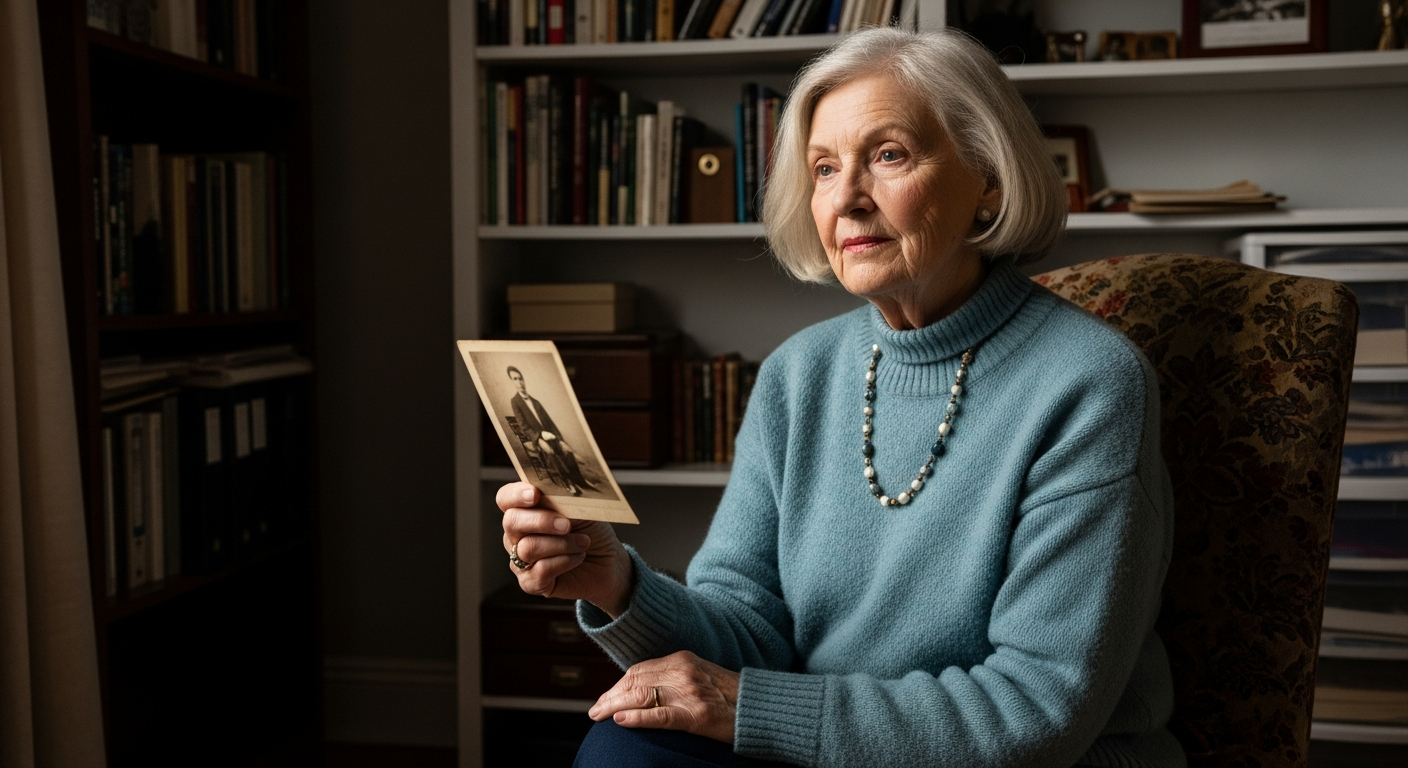
A family archive center is distinct from genealogy research. It's a physical and digital repository for your family's documents: wills, deeds, birth certificates, photographs, letters, journals, audio recordings, family recipes, and stories. It's where future generations discover who you were and what mattered.
Creating one requires space, climate control, organization systems, and digitization — costs that a reverse mortgage makes affordable.
What Belongs in a Family Archive?
| Category | Examples | Storage Needs | Preservation Cost |
|---|---|---|---|
| Legal/financial documents | Wills, deeds, insurance, tax returns, pension documents | Fire-safe cabinet | $1,000–$3,000 |
| Medical/genealogical | Birth/death/marriage certificates, health records | Climate-controlled room | $500–$1,500 (humidity control) |
| Photographs | Family photos (prints, negatives, slides, digital) | Archival boxes, climate control, backup storage | $2,000–$5,000 (archival boxes + digitization) |
| Letters and journals | Personal correspondence, diaries, memoirs | Archival boxes, climate control | $1,000–$2,000 |
| Audio and video recordings | Interviews, home movies, voice messages | Media server, backup drives, climate control | $3,000–$8,000 (server, backup, digitization) |
| Family artifacts | Heirlooms, jewelry, documents, religious items | Display cases, climate control, insurance | $5,000–$15,000 |
| Digital archive | Digitized copies of all above + cloud backup | Server, backup drives, cloud subscriptions | $2,000–$5,000 (setup + annual subscriptions) |
Total family archive center: $15,000–$40,000 to establish; $500–$1,500/year to maintain
A reverse mortgage covers the full setup cost and 10+ years of maintenance.
Home Archive Space: Room Design and Setup
A dedicated family archive room (or closet) provides:
Climate control: Temperature 18–21°C, humidity 30–40% — standard conditions for document preservation
Lighting: Low-UV LED lights (standard bulbs damage photographs and documents over time)
Storage: Archival-quality boxes, filing systems, display cases (acid-free materials only)
Organization: Catalog system (digital index) so family members can find items easily
Digitization station: Scanner, camera rig for photographs and documents, computer for storage
Security: Climate control, locked cabinet for valuable documents, backup power (UPS) for servers
Converting a spare bedroom closet or small room costs $8,000–$15,000. A full dedicated room costs $15,000–$30,000.
Case Study: The Wong Family Archive
The Wong family (three generations, 45 family members across Canada) used a reverse mortgage to create a family archive center.
Setup:
- Converted spare bedroom to archive room: $12,000 (climate control, lighting, archival shelving)
- Digitization equipment (scanner, lighting rig, computer): $4,000
- Archival supplies and organization: $2,000
- Genealogical software and digital backup (cloud + external drives): $3,000
Year 1 content:
- Digitized 8,000+ family photographs
- Cataloged 40+ wills and legal documents
- Recorded 15 hours of grandparent oral histories
- Created family tree (genealogy software)
- Scanned 200+ family letters and journals
Outcome: Three generations had access to the family history. Younger members discovered stories they never knew. When the eldest grandparent passed, the family had comprehensive legal and sentimental records. The archive became a gathering point for reunions — family members added new stories, photographs, and documents.
Digital vs. Physical Archives
| Format | Lifespan | Pros | Cons | Cost |
|---|---|---|---|---|
| Physical documents | 50–200 years (if stored properly) | Tangible, no technology dependence | Requires climate control, space, handling care | $5K–$15K initial |
| Printed photographs | 20–100 years (color fading risk) | Tactile, no digital decay | Fragile, fading, takes physical space | $2K–$5K for storage |
| Digital files (unmanaged) | 5–10 years | Easy to copy and share | Data loss from hard drive failure, format obsolescence | $0 initial, HIGH risk of loss |
| Digital files (managed backup) | 100+ years (with migration) | Accessible, searchable, backed up | Requires active migration every 10 years (format changes) | $2K–$5K initial + $500/year |
| Cloud storage (commercial) | 10–30 years (subject to provider's existence) | Easy access, automatic backup | Vendor lock-in, privacy concerns, recurring costs | $0–$200/year |
Best practice: Hybrid approach — physical originals in climate-controlled archive + managed digital copies (backed up locally and to cloud).
Digitization and Organization
Creating a digital archive requires:
- Scanning/photographing — converting physical items to digital format
- Cataloging — organizing digital files with metadata (date, people, location, description)
- Backup — redundant storage (local backup drive + cloud + external drive in secure location)
- Access control — deciding who has access (password protection, shared family portal)
- Long-term maintenance — periodic migration to new file formats as old formats become obsolete
Software options:
- Genealogy focused: Ancestry.com, FamilySearch, FindMyPast
- General archive management: Omeka, Past Perfect, CollectiveAccess (for museums; overkill for home use)
- Photography: Adobe Lightroom, Digikam (open-source)
- Cloud organization: Google Photos, Amazon Photos (auto-backup, searchable)
A reverse mortgage funds both the physical space and the software/backup infrastructure.
Access Control and Privacy
Who has access to family documents and stories?
Considerations:
- Health information (medical records, mental health) — typically restricted to direct family
- Financial documents (wills, tax returns) — restricted to executor and beneficiaries
- Personal correspondence (letters, journals) — may contain sensitive content; should be reviewed before family access
- Photographs (especially young family members) — privacy considerations for minors
A reverse mortgage investment in digital access control (password-protected shared portal, permission tiers) ensures privacy while enabling legacy access.
Tax and Estate Planning Integration
A comprehensive family archive integrates with estate planning:
- Executor's reference guide — location of will, insurance, financial accounts
- Digital asset inventory — passwords (encrypted), online accounts, cryptocurrency
- Medical directives — healthcare wishes, organ donation, end-of-life preferences
- Letter of instruction — funeral preferences, family traditions, cultural practices
- Asset locations — where to find important documents, safe deposit boxes
According to FSRAO and the Office of the Public Guardian and Trustee (Ontario), comprehensive family documentation reduces estate administration costs by 30–50% by providing executors with clear guidance.
Community and Shared Archives
Some families grow their archives beyond individual homes:
- Virtual archives — shared online portal where family members add documents, photographs, stories
- Reunion archive stations — during family gatherings, scan and document new materials
- Collaborative digitization — family members help scan, catalog, and organize materials
- Traveling archive — some families maintain portable copies (USB drives, external drives) distributed to different family branches
A reverse mortgage funds the initial infrastructure (room, equipment, software) that enables community and shared archive growth.
Key Takeaways
✓ Family archives prevent generational knowledge loss — documentation preserves history ✓ Hybrid approach is strongest — physical originals + managed digital copies with backups ✓ Space and climate control are essential — proper storage extends document lifespan ✓ Digitization is investment, not expense — accessible to family worldwide ✓ Integration with estate planning — comprehensive documentation reduces executor burden ✓ Reverse mortgage funds the entire setup — physical space, equipment, software, 10+ years of maintenance
Frequently Asked Questions
How do I start if I'm not a genealogy expert?
You don't need expertise. Begin by gathering what you have: family photographs, documents, heirlooms. Organize chronologically. Take photographs or scan items. Create a simple spreadsheet or use free genealogy software to catalog. Complexity grows naturally as you add more materials.
What if my family members are scattered across Canada or the world — how do they access the archive?
A digital archive with cloud backup (or a shared family portal) makes this easy. You can maintain the physical archive at home and share digital copies with family via a password-protected online portal. Some families use Google Drive, Ancestry, or dedicated genealogy software for shared access.
What if family members are sensitive about shared documents or stories?
Have conversations before digitizing sensitive materials (medical records, personal letters). Get permission. Some items can be sealed with a restriction ("open after my death") or shared only with specific family members. Respect privacy while documenting history.
Is a reverse mortgage the best way to fund an archive, or should I use savings?
It depends. If you have savings without plans and you're 55+, a reverse mortgage preserves liquidity while funding the project. If you have limited savings and you're nearing the end of your career, a reverse mortgage is ideal — it uses home equity, not liquid savings. Speak with Rick Sekhon about the best approach for your situation.
Can I hire someone to manage the archive for me?
Yes. Professional archivists, genealogists, or digitization services exist. Costs are $50–$150/hour. A reverse mortgage can fund initial professional help (setup, scanning, cataloging) with family taking over maintenance.
What software should I use for a family archive?
For genealogy-focused: Ancestry.com, FamilySearch, or FindMyPast. For general archive management: Google Drive, Dropbox, or Adobe Cloud. For photography: Adobe Lightroom or Google Photos. Start simple, then upgrade as your archive grows. Many families use multiple tools (genealogy software + cloud storage + external backup drives).
Ready to Learn More?
Find out exactly how much you could unlock from your home — free and no obligation.
Related Articles
Reverse Mortgage for Generational Wealth Distribution Master Plan Documentation
Create a documented, transparent plan for distributing your estate fairly. Use reverse mortgage funds to hire estate planners and communicate your legacy strategy to adult children.
Read →Reverse Mortgage for Personal Memoir and Life Story Documentation
Fund memoir writing, family history, and legacy documentation with a reverse mortgage. Preserve your life story for your family in Ontario.
Read →Reverse Mortgage for DEI Consulting Practice: Launching Diversity, Equity, and Inclusion Consulting in Retirement
Start a diversity and inclusion consulting practice. Help corporations and nonprofits build equitable cultures; reverse mortgage funds training, business setup, and market entry.
Read →